

Hello everyone, so far we’ve been entirely focussing on two dimensions here on Magical Stage but now we need to look at anime in three dimensions! Scary. Good thing the folks at CGWORLD have done a big feature in the latest issue of their magazine about the first ending of Star Detective Precure, giving a behind the scenes look at how it’s made.
Will give a generous warning that this article is technical. Though if you’re even a bit interested in 3DCG then this will be a great read! The article has lots in here about what was used to make the ED and the challenges that were faced by the folks behind it.
On CGWORLD’s website, they split this into three parts but through the magic of editing, you can read all three parts in one article! How nice!
Translation by “nui”, Editing by me. Star Detective Precure ED Check Out the Cute and Playful Expressions of the Precure was originally published on https://cgworld.jp in July 2026 and in CGWORLD Issue 335, July 2026. Original Links: Part 1: https://cgworld.jp/article/335-meitanteiprecure01.html, Part 2: https://cgworld.jp/article/335-meitanteiprecure02.html, Part 3: https://cgworld.jp/article/335-meitanteiprecure03.html
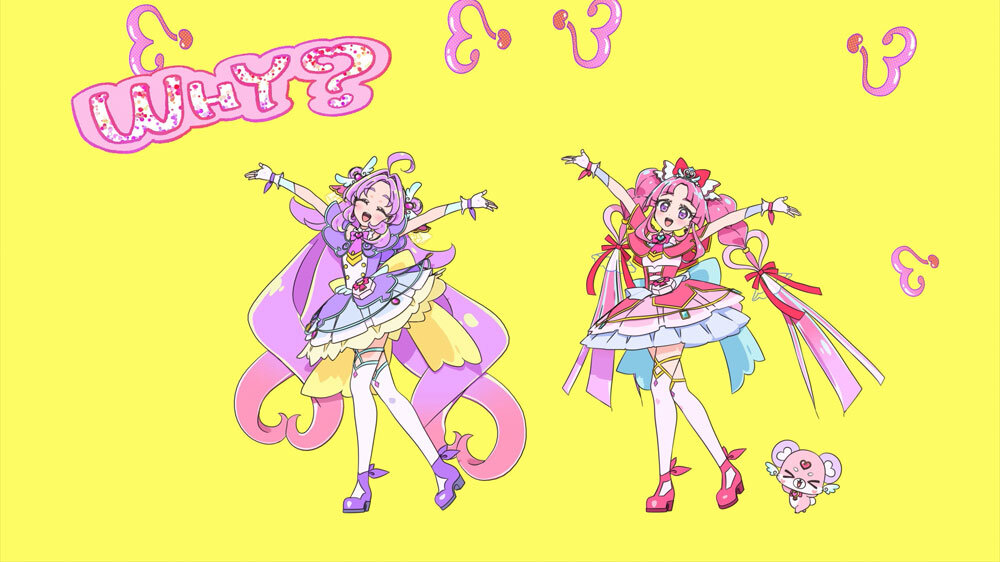
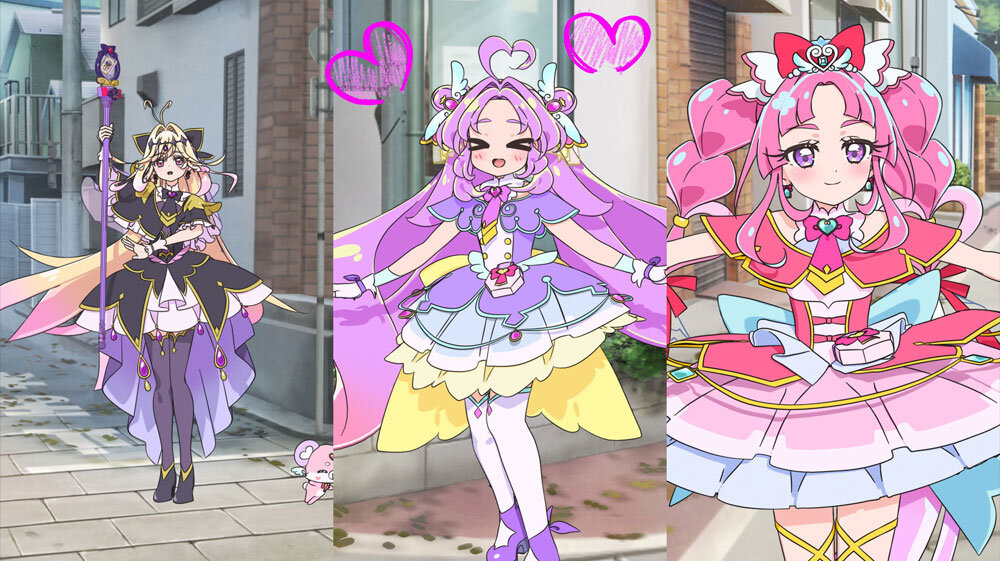
The anime “Star Detective Precure!” started airing in February 2026. The ending (ED) theme song is “Why? Mystery?! ANSWER,” and the video features three Precure: Cure Answer, Cure Mystique, and Cure Arcana Shadow. The catchy track and easy to remember dance moves have been a huge hit, and fans are also really praising the high quality 3D animation. In this three part series, we are going to break down how it was made!
Part 1 – Direction
An ED Packed with “Precure Love” Through High Quality 3D Animation
Following the previous series, Toei Animation handled the production. The main tool used was Maya 2024, with miRA for the body rig and DJ (Dynamic Japanimation) in house tools for the facial rig. Ragdoll Dynamics was used for simulations. The overall workflow and tool setup stayed pretty much the same as their previous work. However, they totally revamped the production process this time, such as starting look development much earlier.
build note: Modular Rigging System “miRA” was developed by Hiroshi “gatyapen” Miyamoto as a project written in his spare time and released in 2017. gatyapen was a Director and CG Director at Toei Animation for ten years until he left the company for ABC Animation in May 2020. He wrote a detailed article about the development of miRA (article in Japanese) as well as a demo reel of the program.
There is nothing public written about DJ (Dynamic Japanimation) apart from what’s in CGWORLD’s articles, but it’s another in-house program used at Toei Animation for facial rigging introduced in 2025. It is a new piece of software that is an iteratation on a seemingly unnamed piece of software last used on Wonderful Precure.
They actively promoted younger staff to supervisor roles, which really boosted the team’s motivation, and you can totally feel that fresh energy in the video itself. CG Director Tomohiko Takahashi shared, “No matter where you pause it, the characters look super cute, and it is a project where you can really feel the love for Precure. The team’s passion naturally came through to the viewers, resulting in a video that people really appreciate.”
Storyboarder and Unit Director Mari Kondou also looked back on the team’s vibe: “Since the younger generation took the lead, the atmosphere on set was really relaxed and free. The animators were having a lot of fun inspiring each other.”
Staff in the Interview Photo:

Front row, left to right:
- CG Director: Tomohiko Takahashi
- Storyboard & Direction: Mari Kondou
- CG Producer: Atsushi Nojima
- Character Modeling Supervisor: Shouji Tsubokawa
Back row, left to right:
- CG Line Producer: Shou Ueno
- CG Animator: Nana Takahashi
- CG Animator: Iori Takano
- CG Animator: Keisuke Kunisada
- Character Modeler: Kenshiro Osawa
- Rigging Supervisor: Takashi Ino
(Above staff from Toei Animation) - CG Animation Supervisor: Youhei Yamaguchi (Freelance)
Furthermore, CG Animation Supervisor Youhei Yamaguchi mentioned, “Everyone on the team threw in their own playful touches. There were unexpected visuals tucked in frame by frame, so doing the checks was honestly a lot of fun.”
Differentiating from previous works is crucial for a series, but this time they shifted toward a more comedic direction. As a result, they created richer facial expressions and playful directing that we have not seen before, making it an incredibly fun piece.
A Nostalgic Vibe Bringing the 1999 World to Life
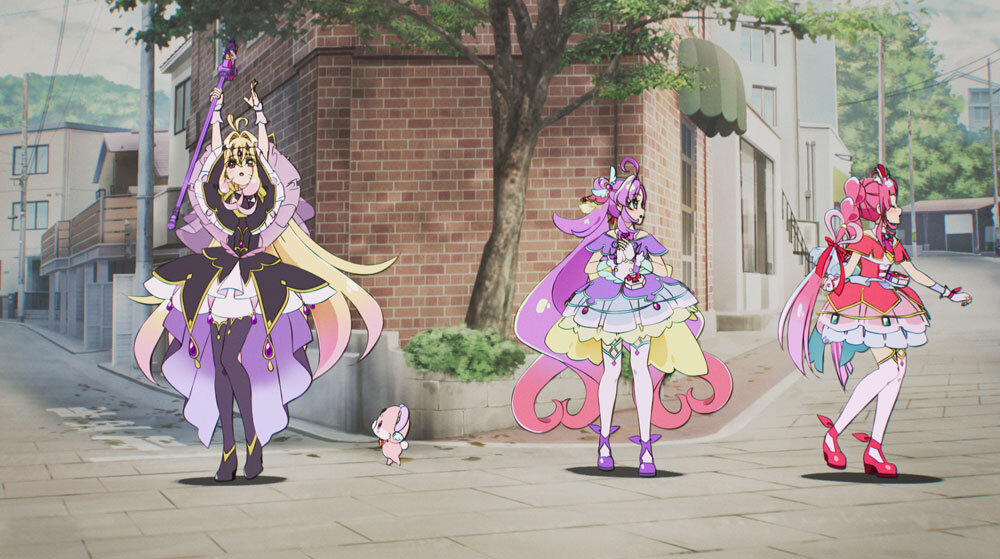
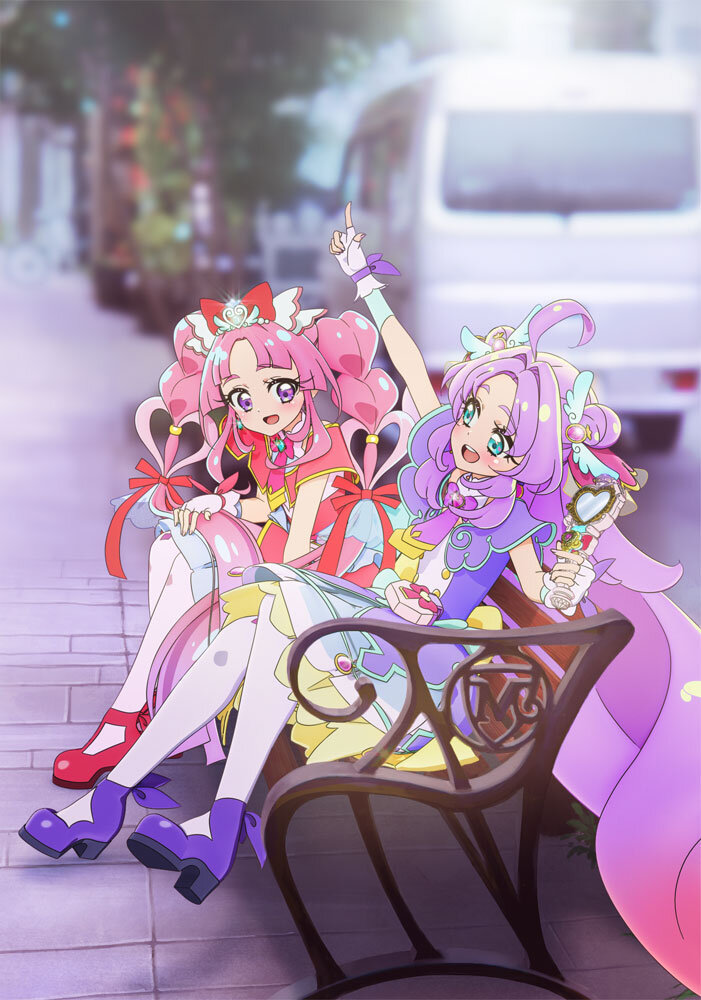
The story is set in Makoto Mirai City in 1999, which is where the main character Cure Answer (Anna Akechi) time traveled to. It is basically the era when the parents of the kids currently watching Precure were children themselves. They added clever details so both generations can enjoy it together, making it nostalgic for parents and cool for the kids.
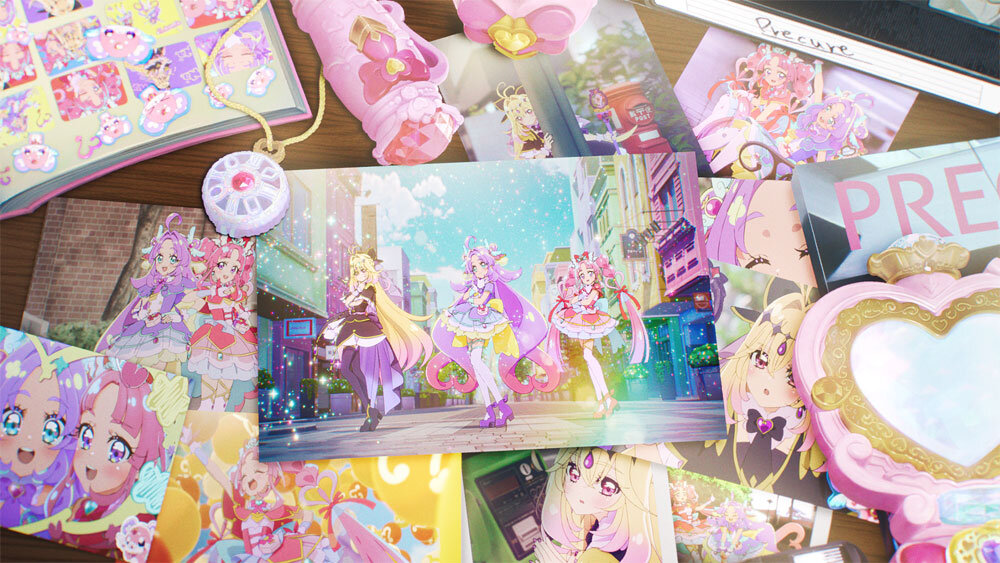
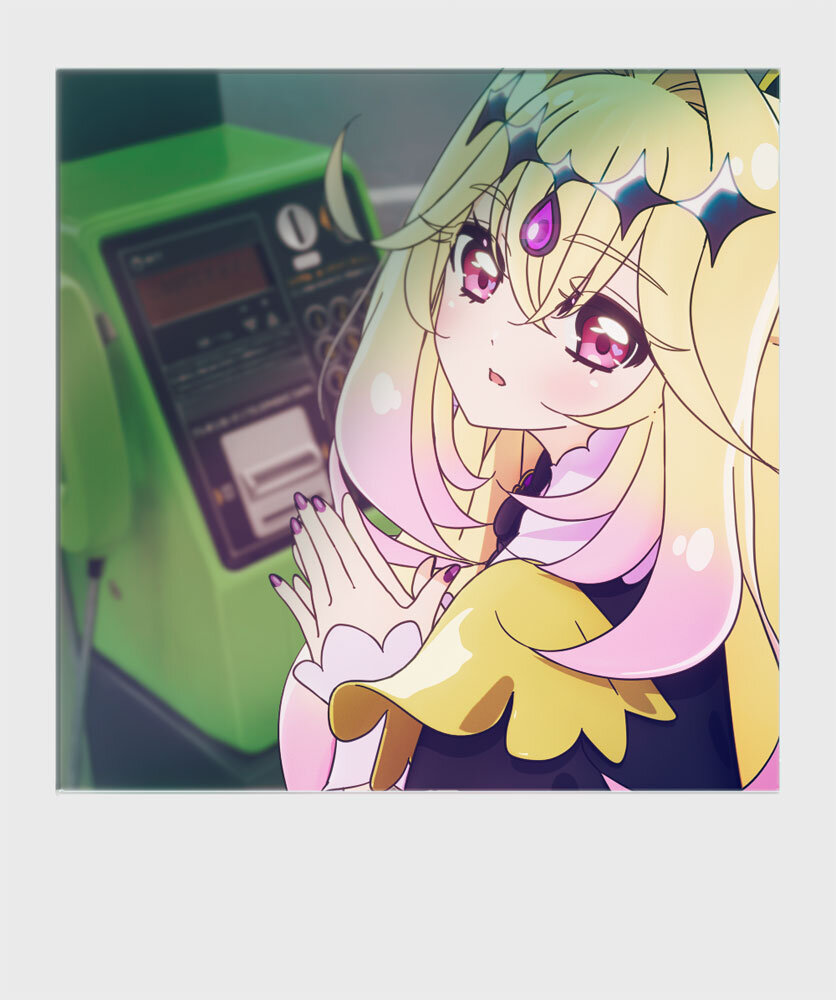
Gadgets like instant cameras and Walkmans, along with 90s culture like purikura (photo sticker booths) and magazines, are pretty much the roots of today’s smartphones and social media. You could even say the whole “vertical screen” culture started with purikura, so Heisei culture and modern times are definitely connected.
nui note: purikura (short for “Print Club”) is a Japanese photo booth experience that goes far beyond standard snapshots. It features booths equipped with bright studio lighting, on-screen posing guides, and digital editing stations where you can modify your face (e.g., enlarging eyes, smoothing skin), add makeup filters, and apply cute stamps or text to print on sticker sheets.
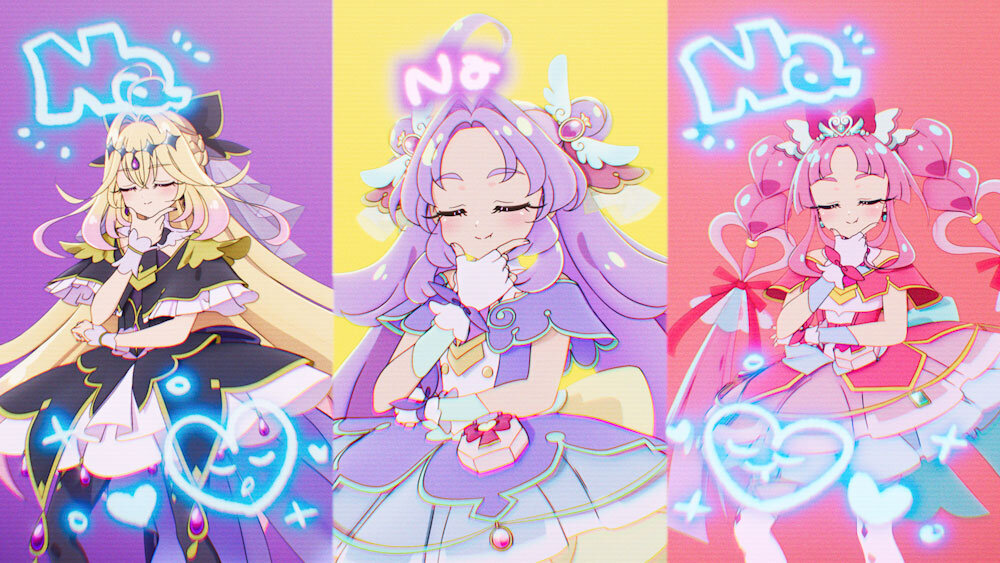
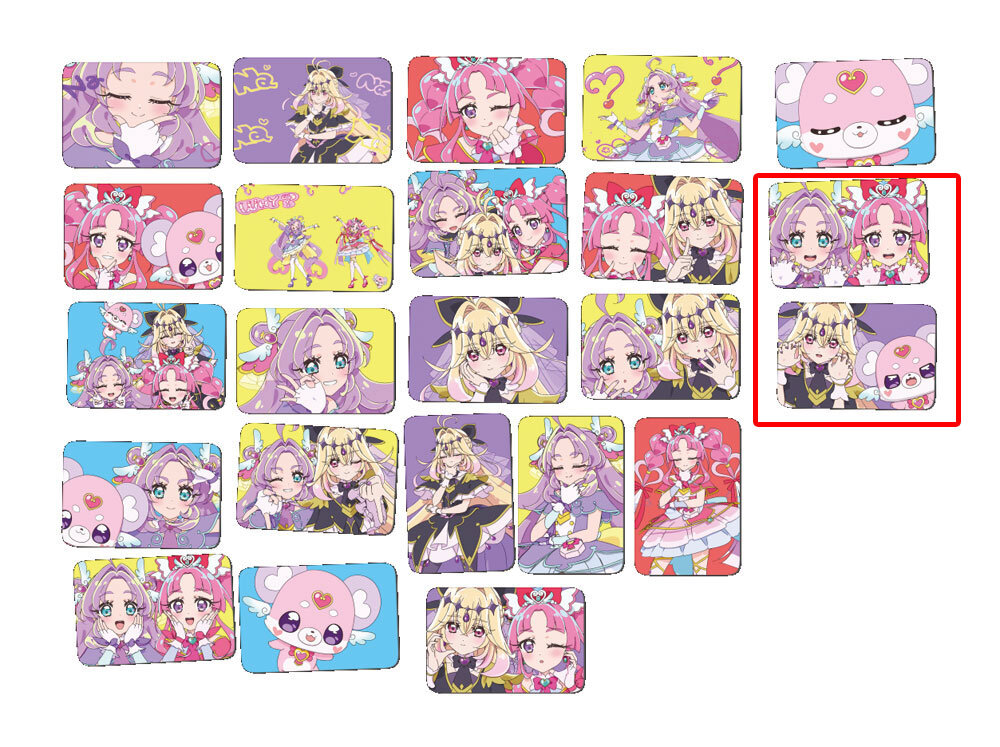
A great example is the sticker book, which is actually trending again right now. Mari Kondou shared, “Someone even suggested we make them in SD size,” showing just how much the staff got hyped talking about the 90s. Also, Yokohama was chosen as the motif since it perfectly fits the “detective” theme.
By doing actual location scouting and using photo based backgrounds, they kept costs down while creating an experience where the anime and real world locations are directly connected, rather than ending with just the video release. Lots of fans are already visiting for “anime pilgrimages,” so the Precure effect is totally spilling over into the real world.
Playful Directing Details
The Final Cut: Photos and Purikura
Part 2 – Modelling and Rigging
Modeling & Rigging that Obsesses Over Every Detail, from Eyelashes to Hair Tips and Fingers
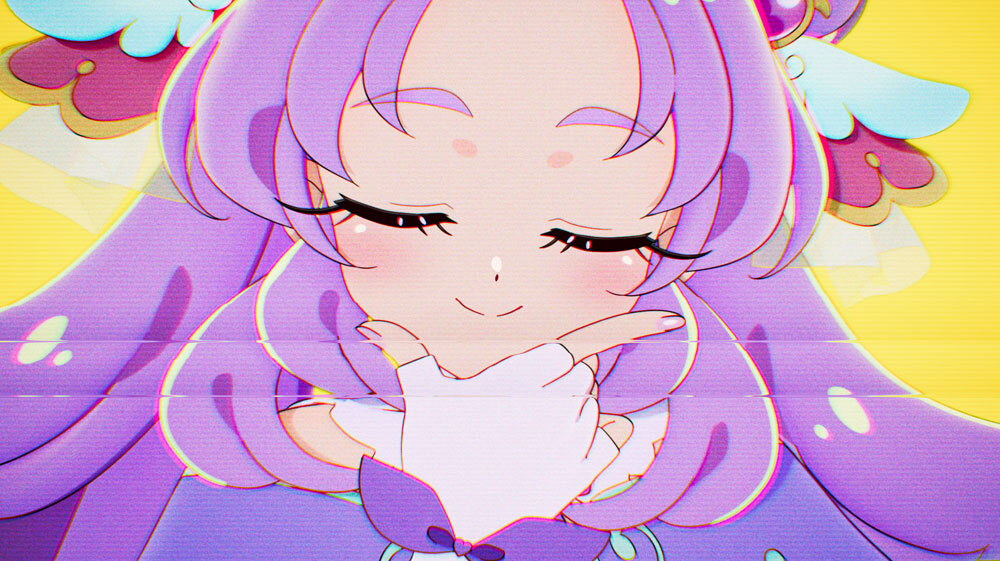
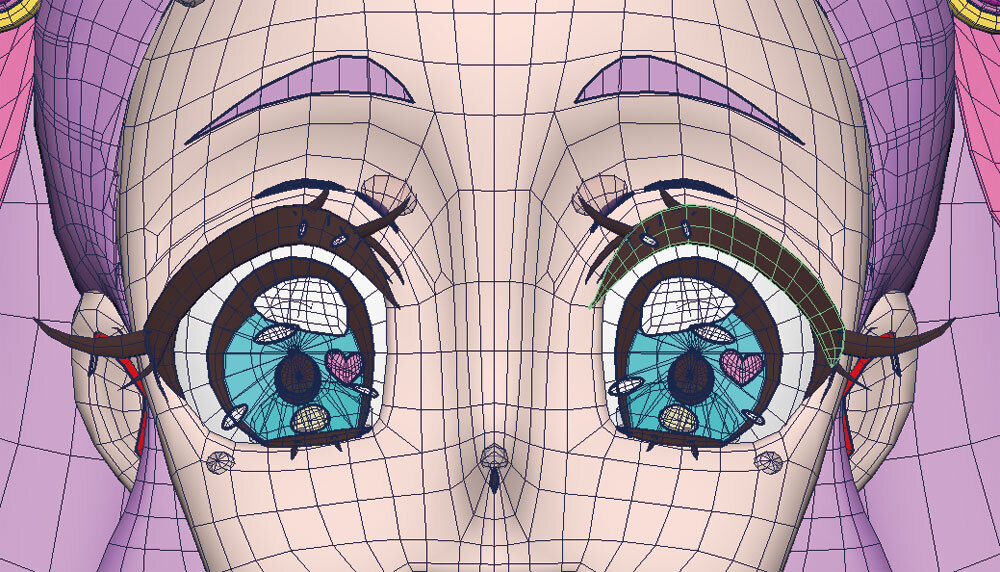
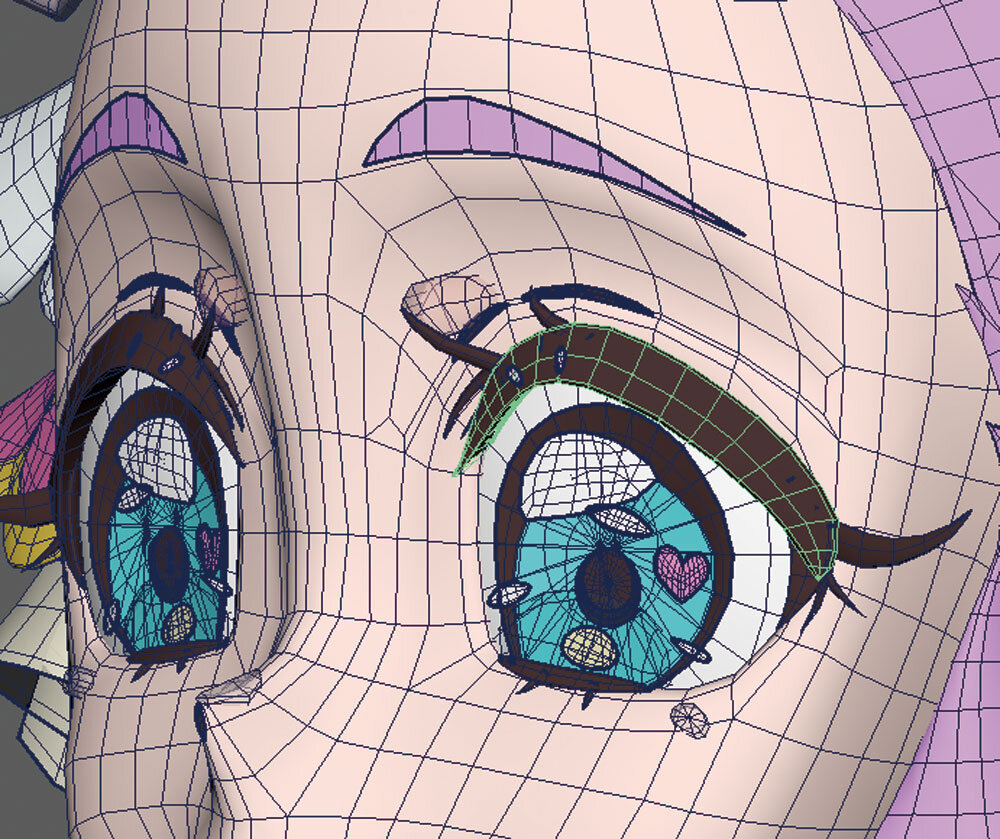
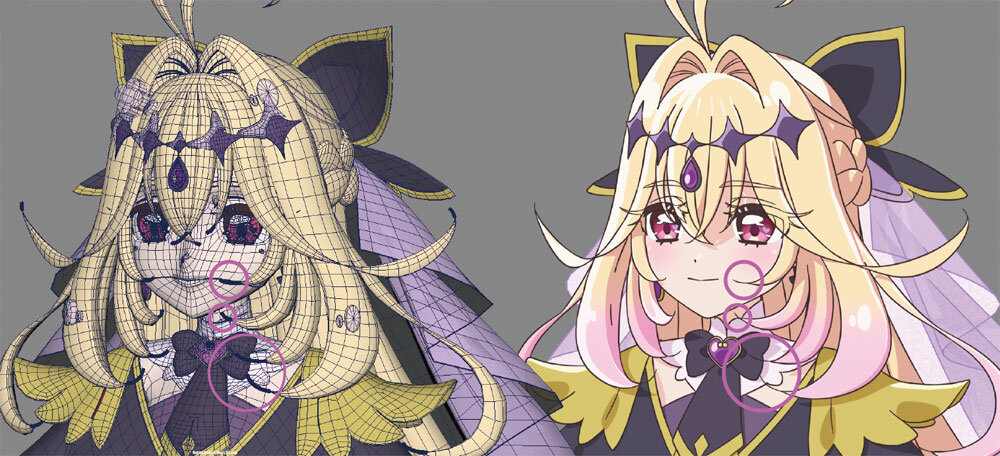
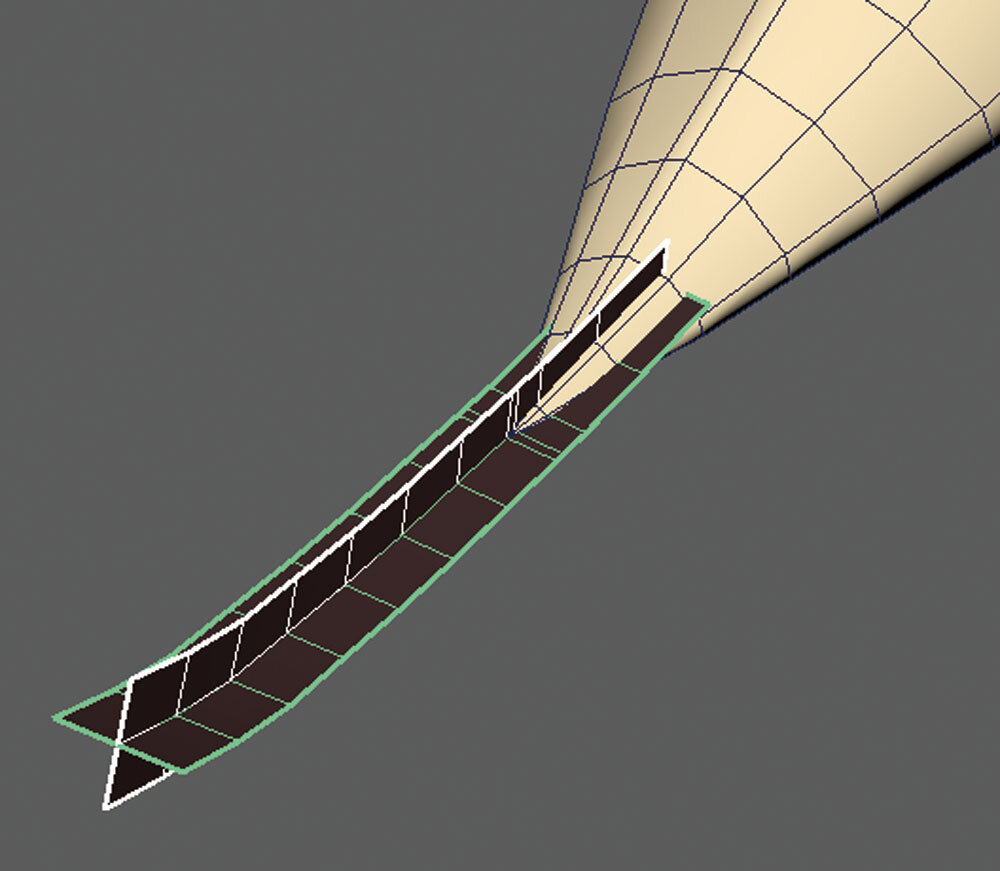
The ED gave the CG team a lot of freedom, so they brainstormed the visual direction completely on their own. For this project, they tackled a bunch of detailed challenges, like eye distortion, rendering the hands, adding thickness to the clothes, styling the hair tip lines, and splitting the eyelashes.
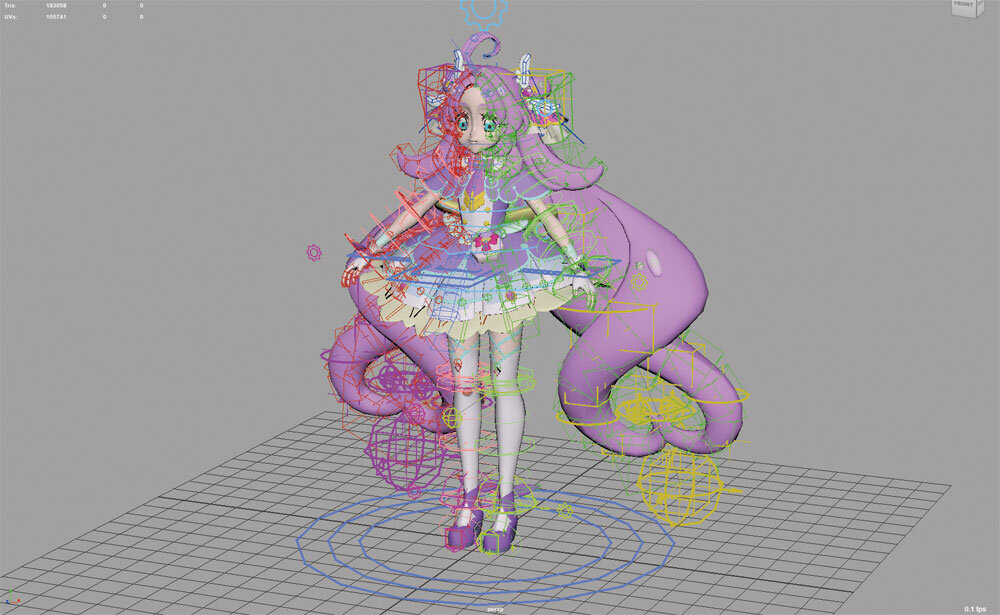
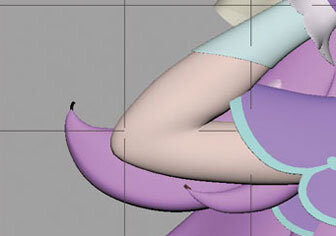
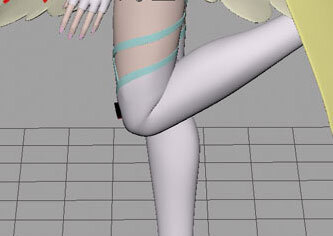
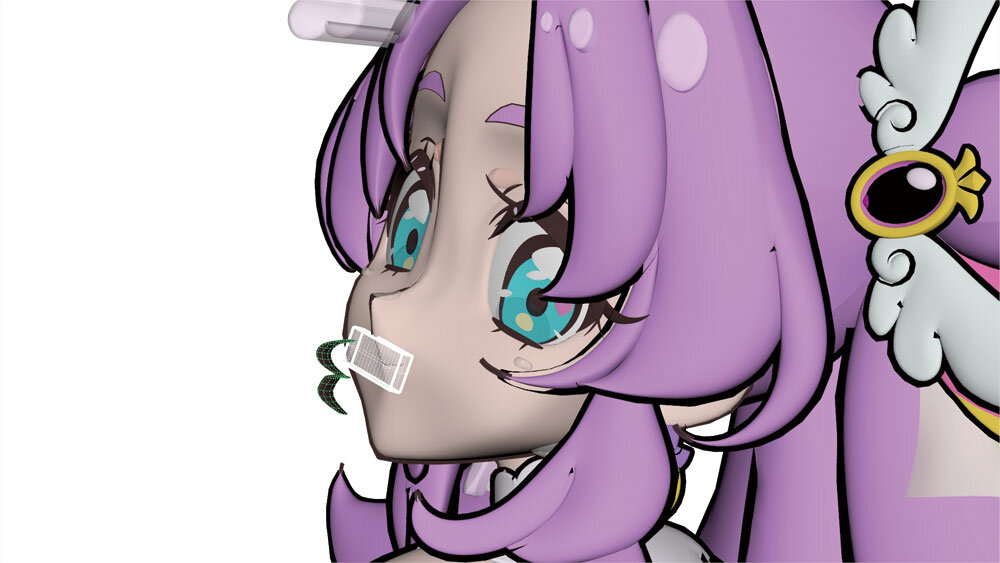
Character Modeling Supervisor Shouji Tsubokawa shared that the fairy companion Pochitan was a real struggle. “Pochitan’s mouth is a separate part to make the line pop, but we kept having to adjust how to show that line properly from a side profile,” he said, admitting it gave him a headache right to the end. They stuck with their internal tool miRA for the rigs. While the overall workflow did not change much, they carefully fine tuned details like the knees and elbows.
Another big challenge this time was dealing with the hair rigs shifting out of place after baking the secondary Ragdoll Dynamics. They had to get creative to make sure the rig controllers stayed in the right spot even after baking. Rigging Supervisor Takashi Ino told us, “Since miRA uses Python for rigging, once we build a system, we can easily reuse it elsewhere. We get a ton of model revisions, so having a setup where we can just rebuild the rig with Python really saved us.”
build note: miRA was coded in Python because gatyapen wanted to learn Python as it is a standard programming language in the CG Industry. More reason to start learning Python programming everyone!
Cure Answer’s Model
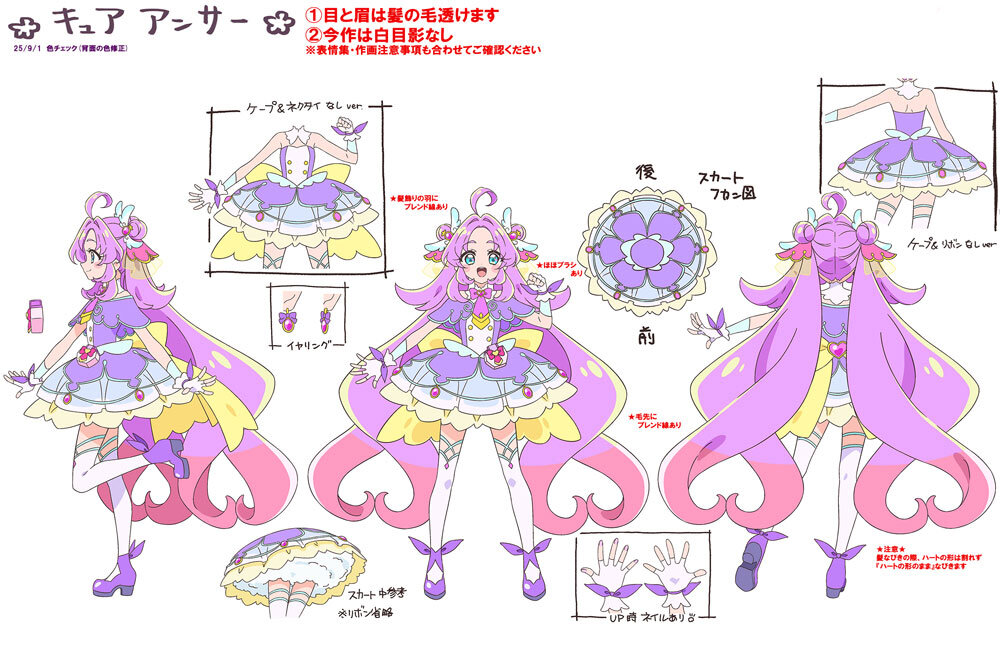
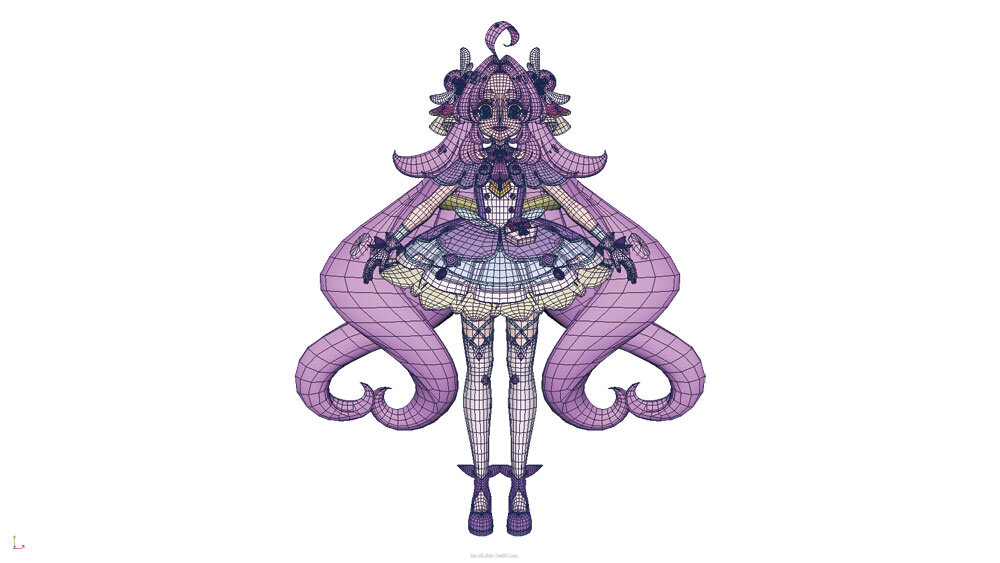
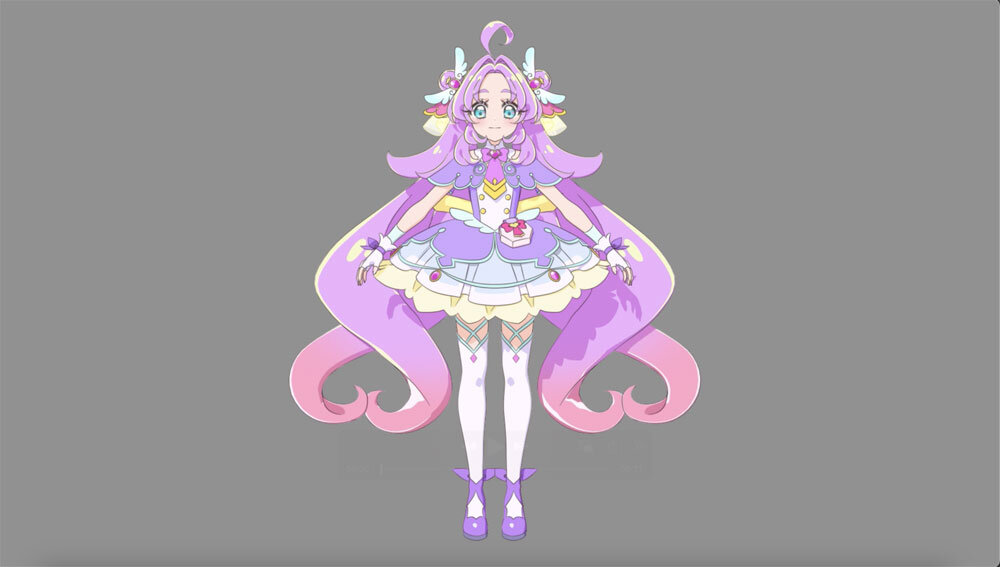
Expressing 3D Eyelashes


Expressing the Hair Tip Lines
Rigging and Muscle Expression
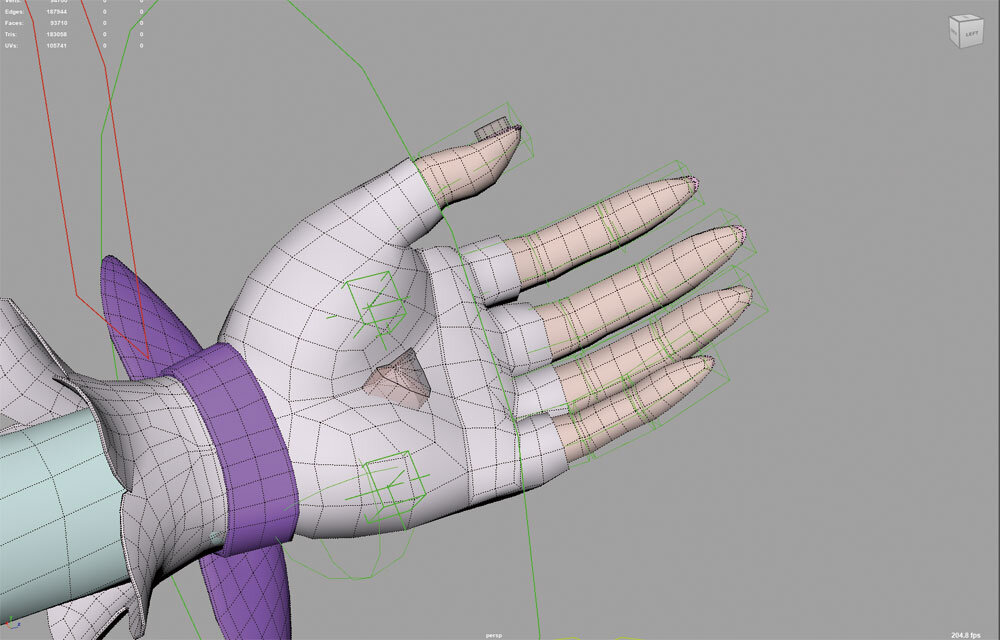
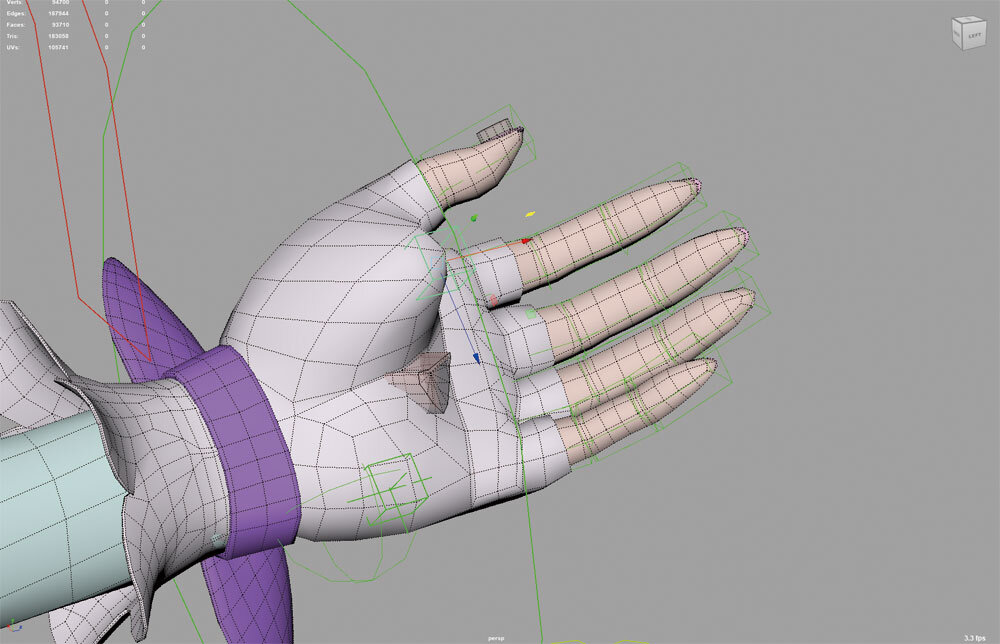
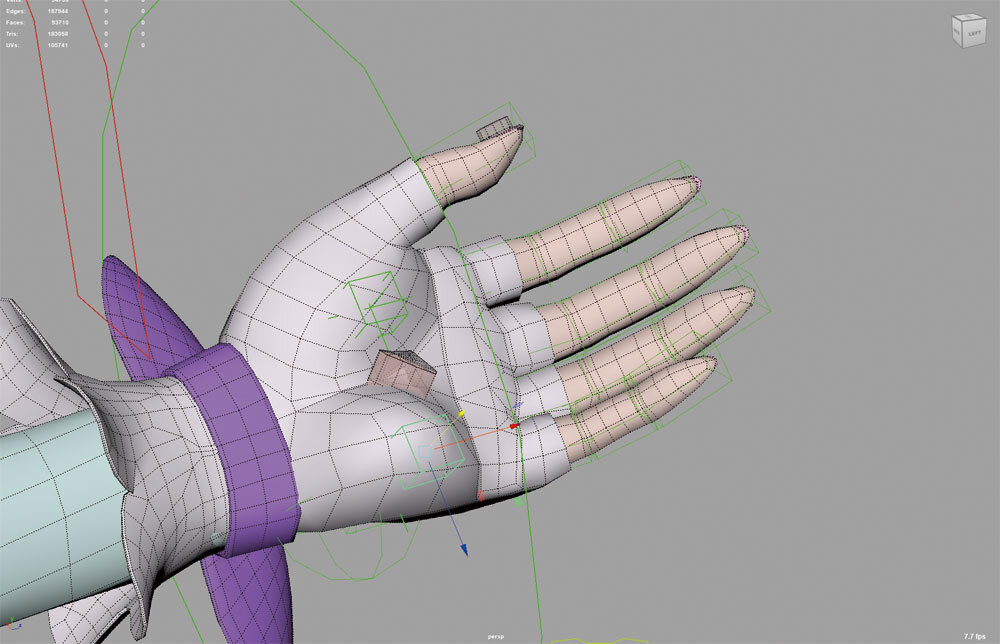
Blend Shapes for Girly Hands
Takahashi had been feeling that 3DCG finger shapes were a problem for a while. In 2D animation, girls’ fingers are drawn looking soft and cute, but that is super hard to capture in 3D. To pull it off this time, they introduced a brand new system that lets them adjust the thickness of the fingers.
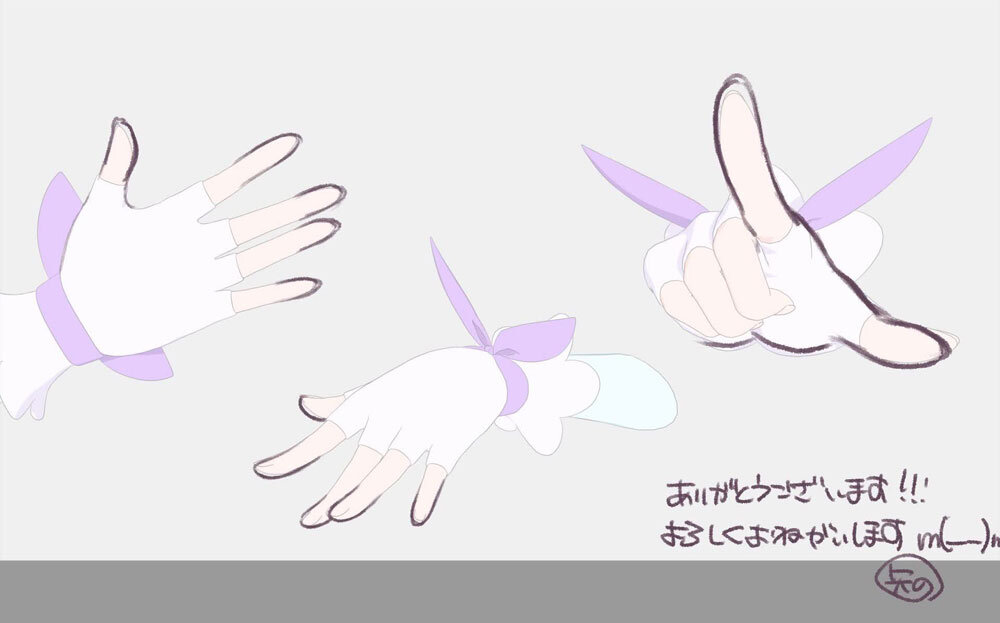
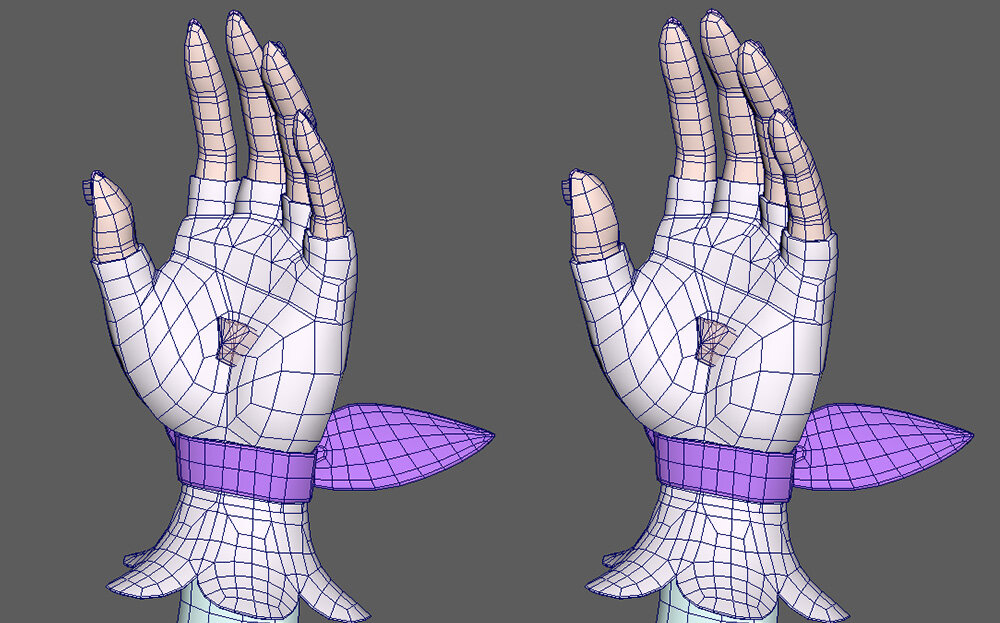
Expressing the Plumpness of the Palms
They also set things up so the plumpness of the palm can be adjusted in two spots, making it possible to express really subtle nuances. By combining this with the finger blend shapes, the expressive power of the hands levelled up tremendously!
Part 3 – Animation
The Precures’ Animation Packed with Animator Playfulness
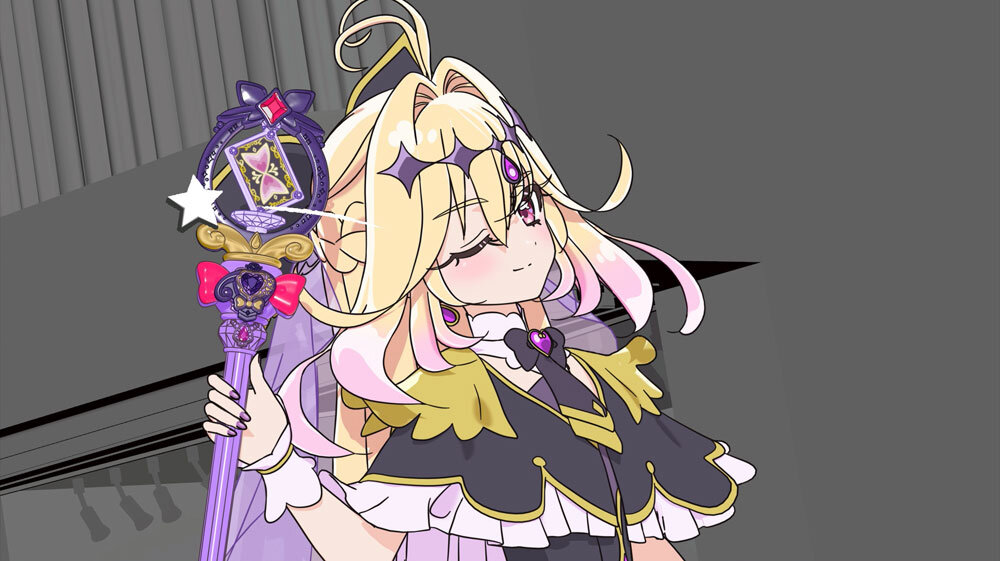
As the director and storyboarder Mari Kondo puts it: “Our CG Animation Supervisor Youhei Yamaguchi is really great at creating comical acting, so we wanted to incorporate character acting, not just dance moves.” True to her word, you can see character-driven acting shining throughout the video.
Youhei Yamaguchi added, “Since the ED is something fans watch over and over, we threw in as many little playful details as possible.” For example, when it comes to Cure Answer’s super-deformed (chibi) expression, the dance choreography itself does not change, but her exit movements were animated with completely ad-libbed bouncing and jumping.
There are tons of highlights thanks to the staff voluntarily adding their own ad-libs, but they especially want people to pay attention to Pochitan. Unlike the Precure, they could not use motion capture for Pochitan, so the animators keyframed everything by hand. Instead of a perfect dance, it looks like a baby trying its absolute hardest to copy the moves. It is an adorable animation that the assigned animator created purely on their own sensibilities, without any micromanaging instructions.
In this way, this ED really radiates the passion and fresh ideas of the young staff, ending up as a piece that totally gets across how much fun the production floor was having.
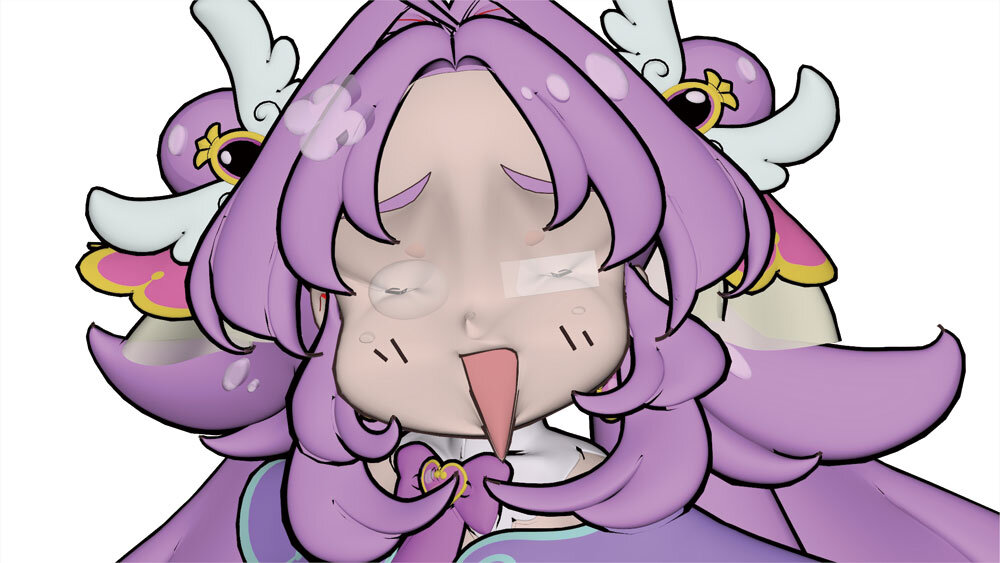
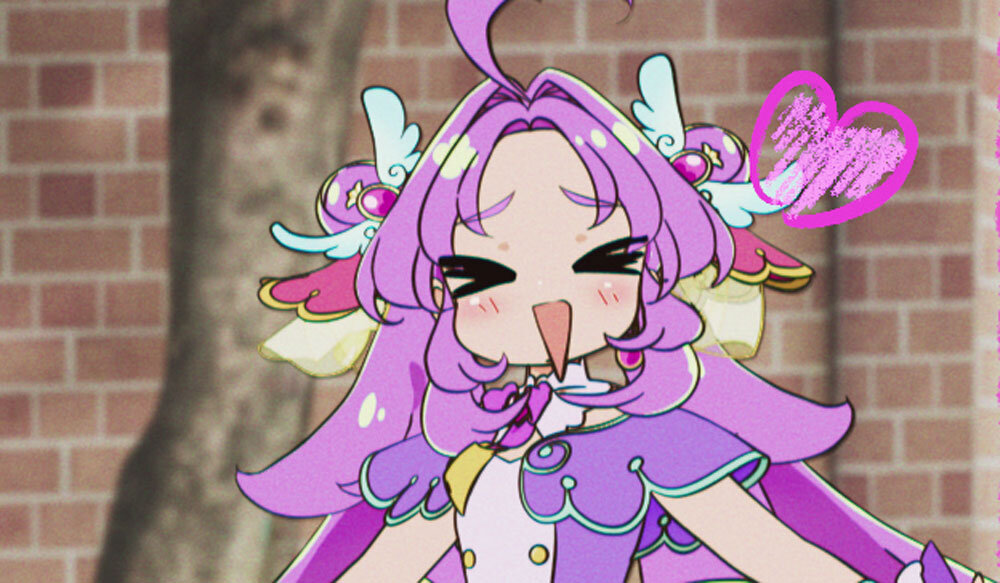
Cure Answer’s Super-Deformed Expressions
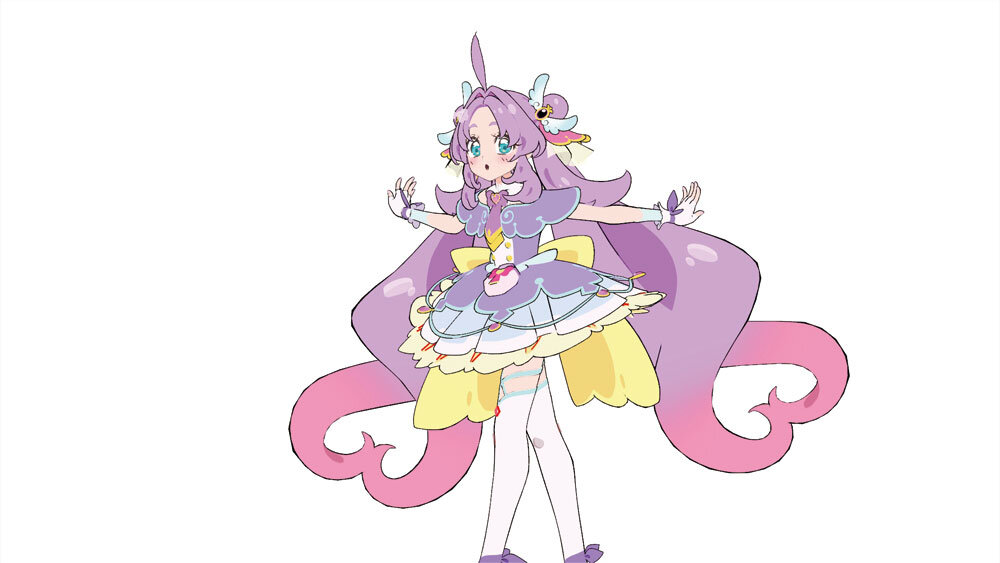
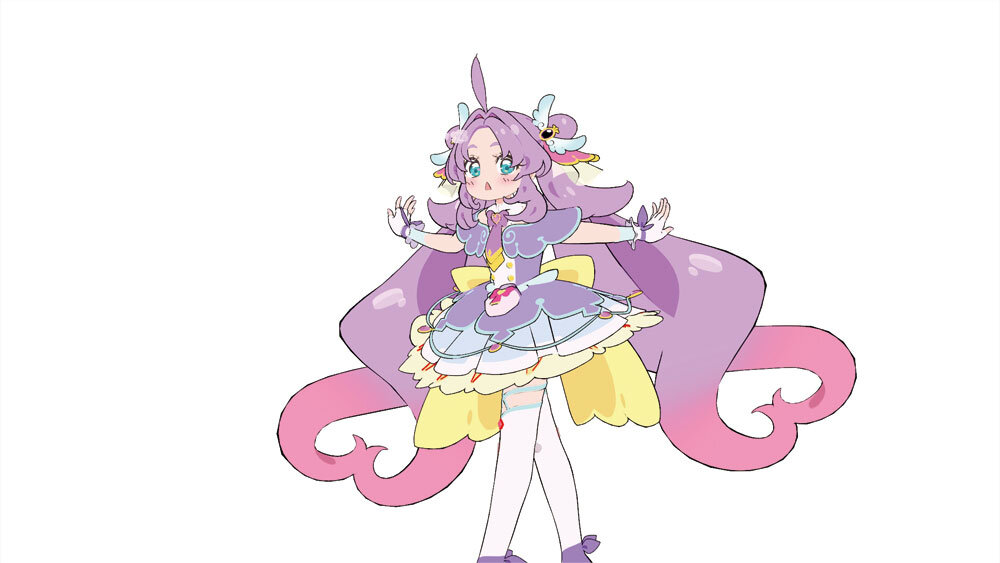
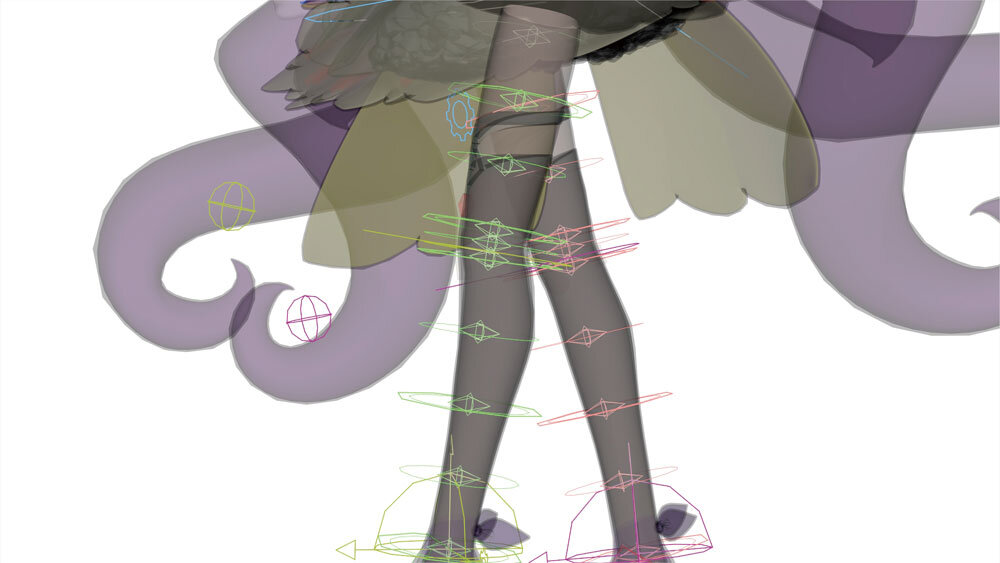
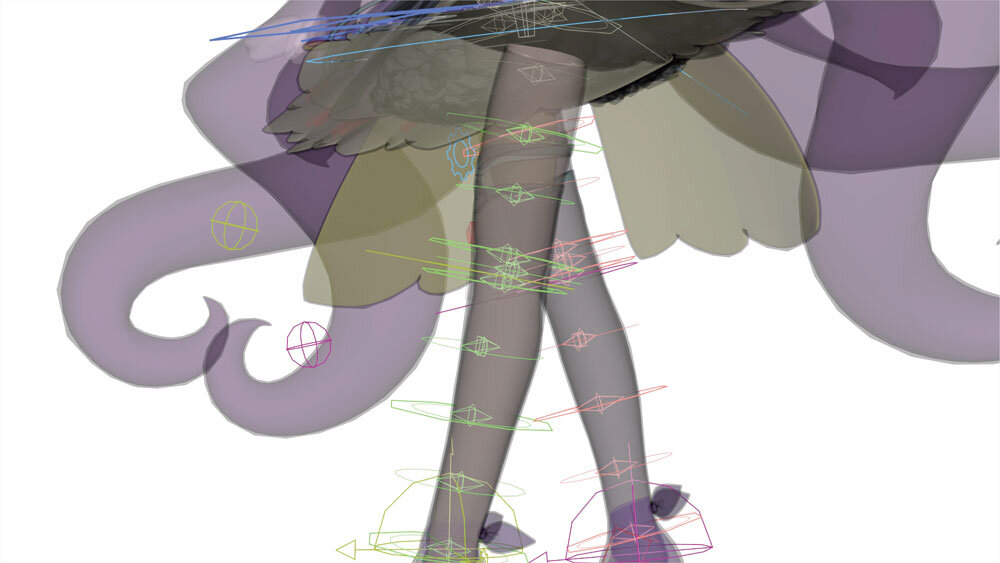
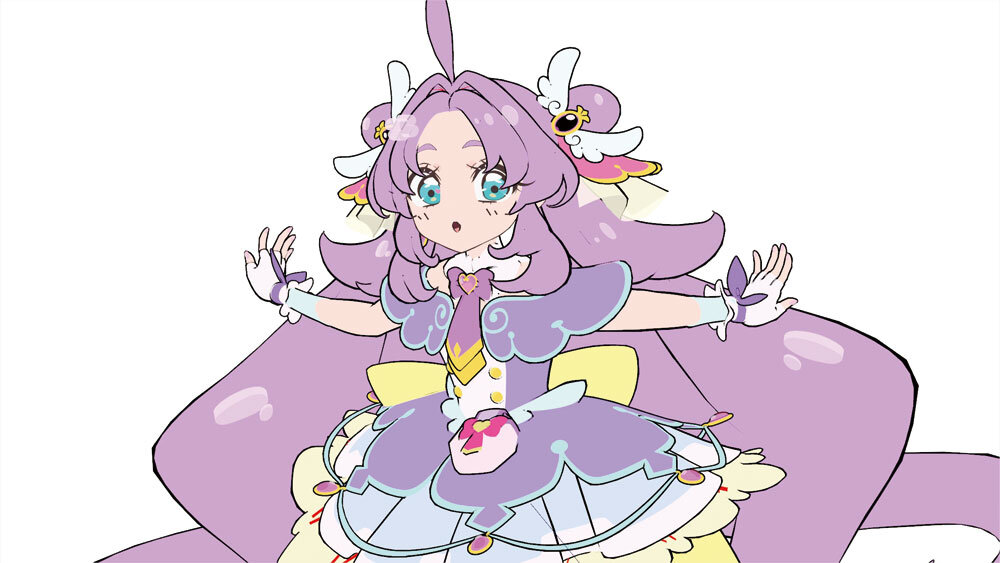
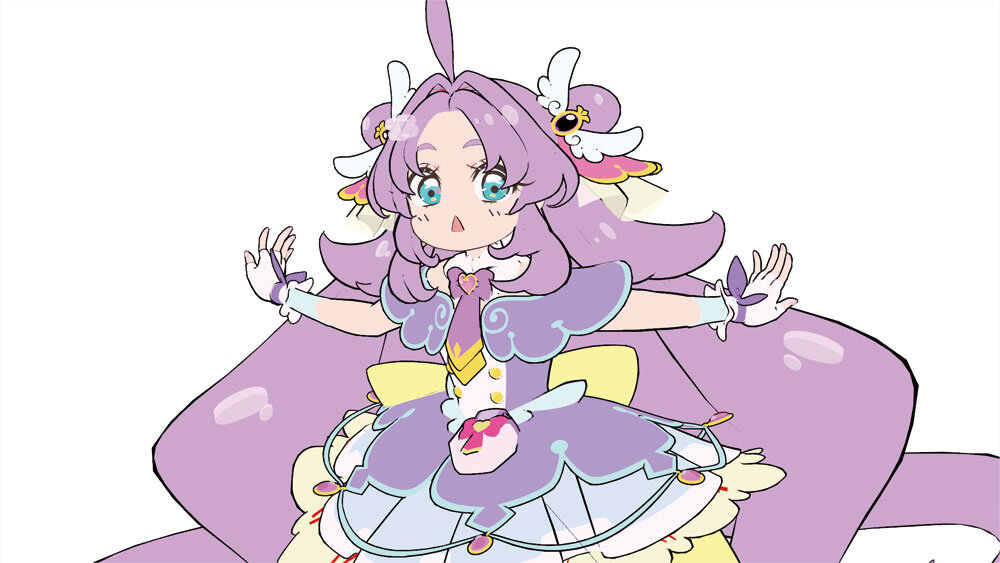
To deform the expressions, they combined a custom “pencilEraser” tool to hide unwanted lines with a “freeLine” tool to freely add new lines. The pencilEraser is an in-house asset they named themselves, which works differently from standard Pencil+ 4 features. It works by placing geometry with a transparent shader in front of the line-drawing geometry to effectively cancel out the lines.
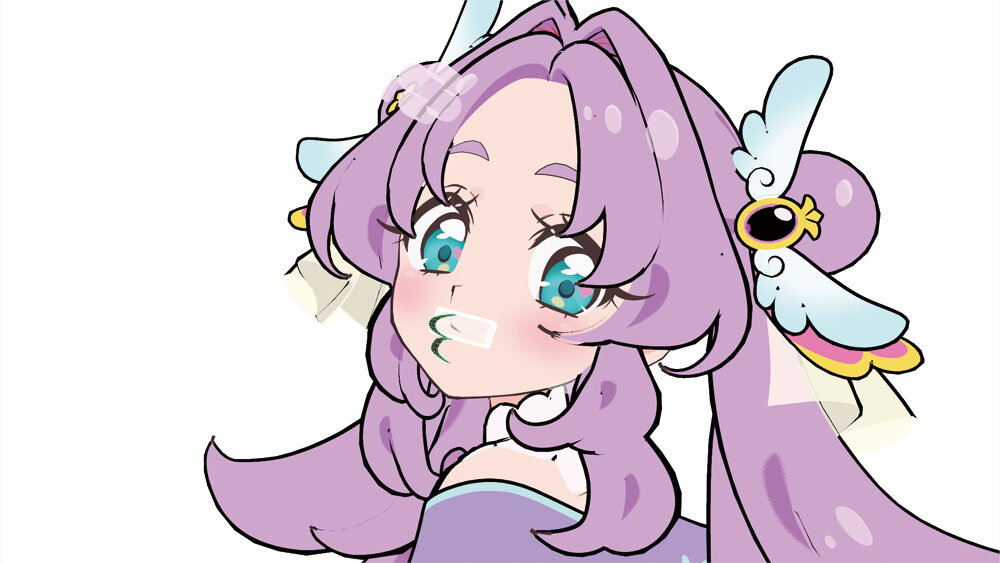

Colorful Expression Changes
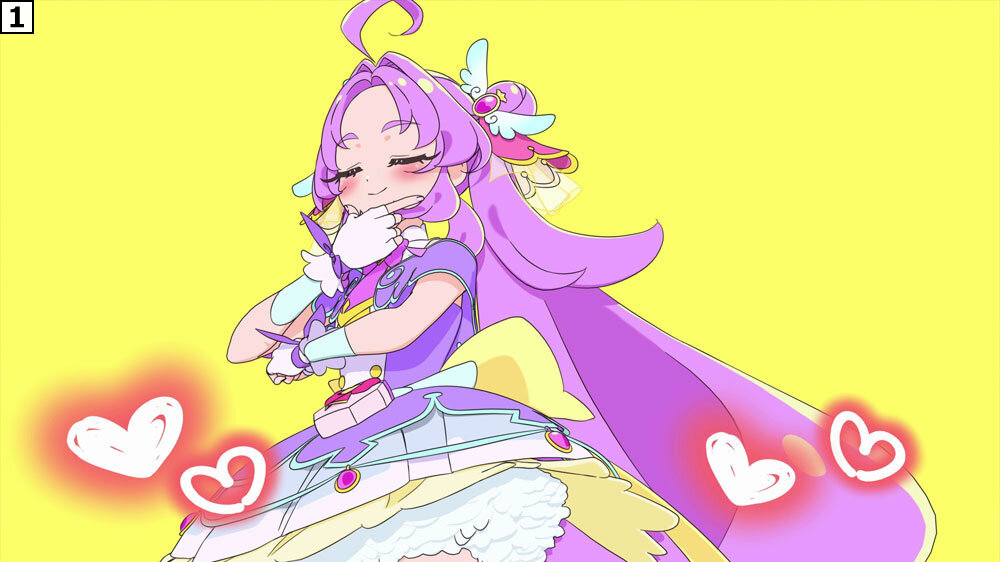
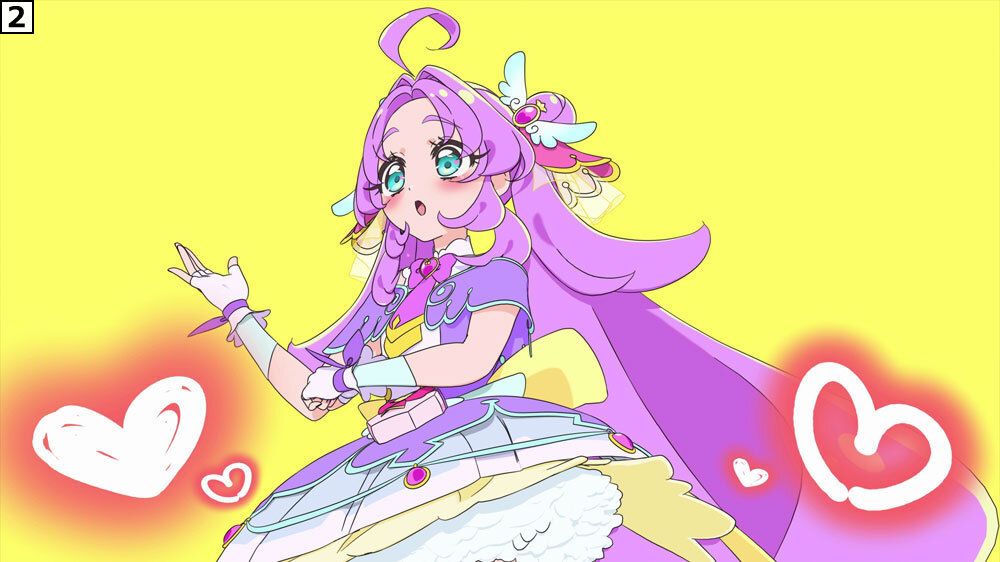
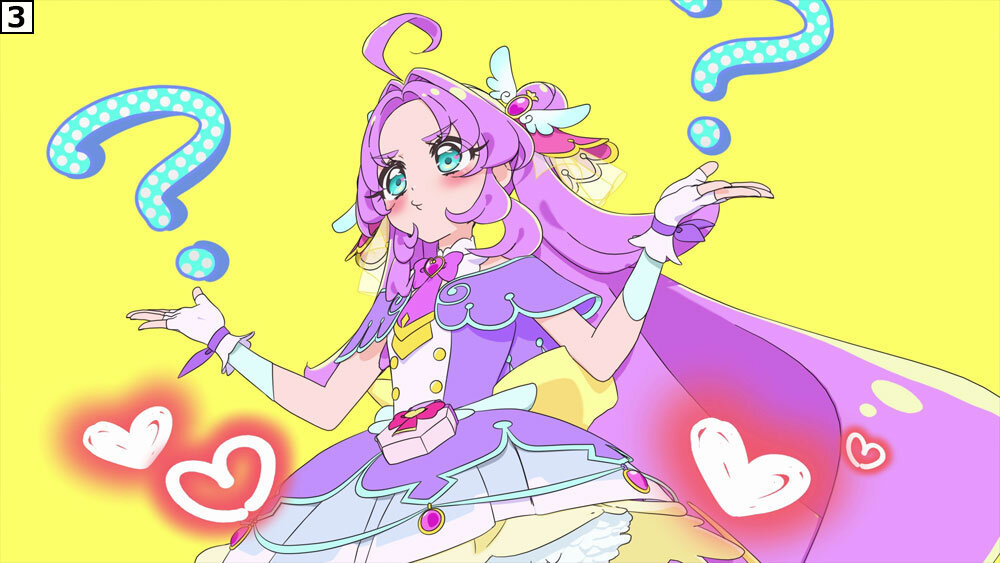
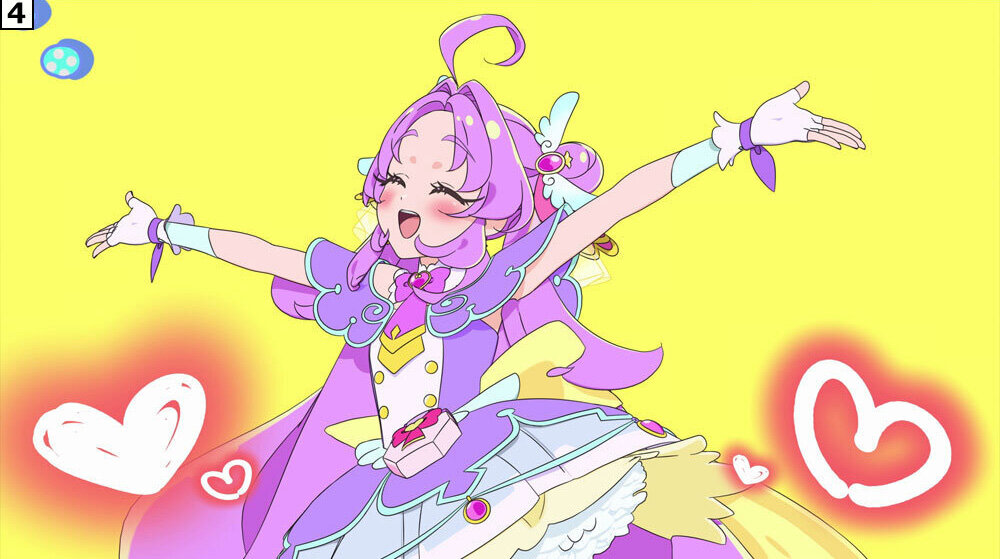
Since they heavily focused on comical direction for this project, they also put a ton of effort into the tiny changes in expression. During a roughly 1.5-second cut where Cure Answer spreads her arms while dancing, her expression changes rapidly. During production, Youhei Yamaguchi suggested some retakes to add expression changes midway through to the assigned CG Animator, Nana Takahashi. Plus, the director Mari Kondo added instructions for another pattern, saying, “Keep it looking bright so she does not look grumpy.”
Based on that feedback, what started as three expressions got a fourth face added, cramming four different expression patterns into just about 1.5 seconds. By the way, most cuts took around 2 to 3 retakes, but since the animation supervisor and director did their retakes together, the actual workload felt way heavier than that!
Eye Distortion Expressions
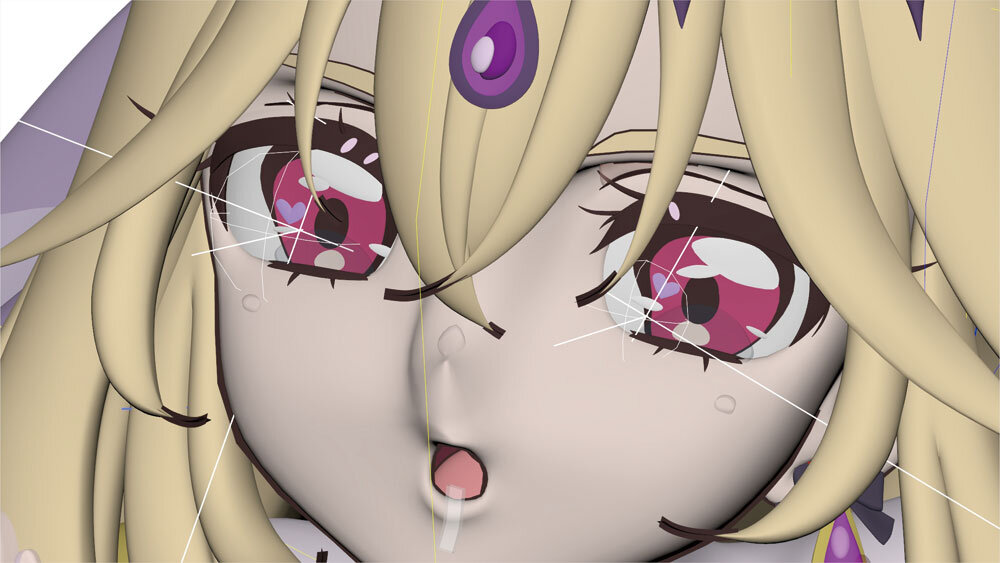
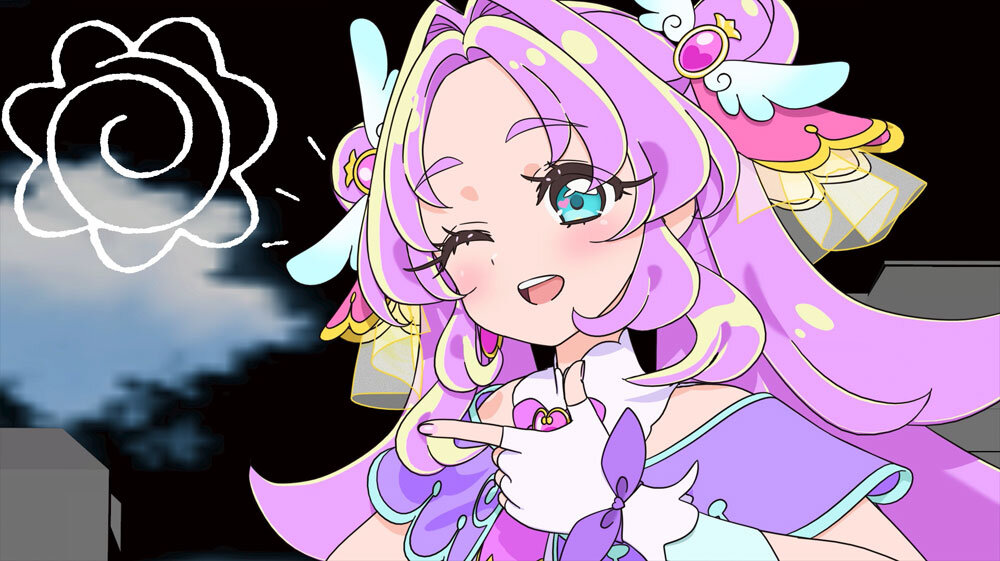
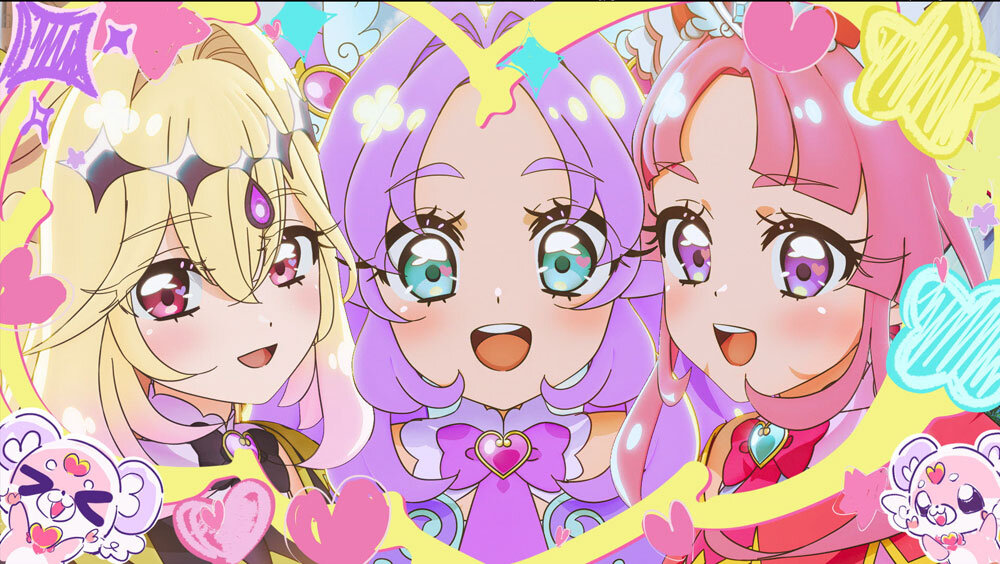
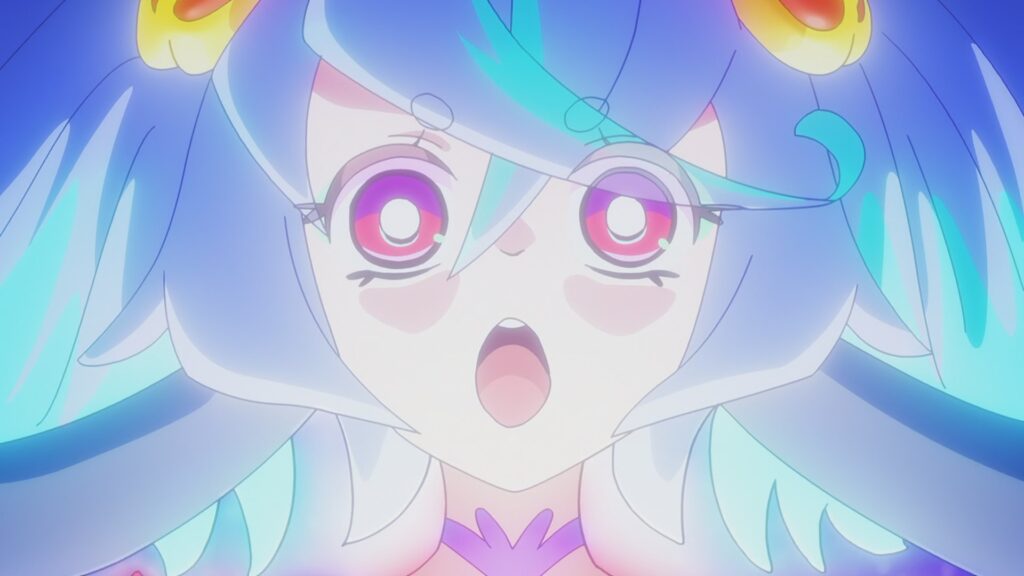
One of the unique character quirks in this piece is the distorted eye expression. After the models and rigs were already finished, a key visual dropped showing a slight distortion in the characters’ eyes, leaving the team scratching their heads over how to recreate it in 3DCG.
After tossing around ideas like blend shapes, rigs, and deformers, they finally went with using a deformer to add the distortion on a cut-by-cut basis. The actual deformation was not too hard, but making it look natural alongside the flow of the animation was tricky. They used this trick for moments where it really mattered visually, like close-up shots of Cure Arcana Shadow’s face.



Cuts with the Animators’ Playfulness


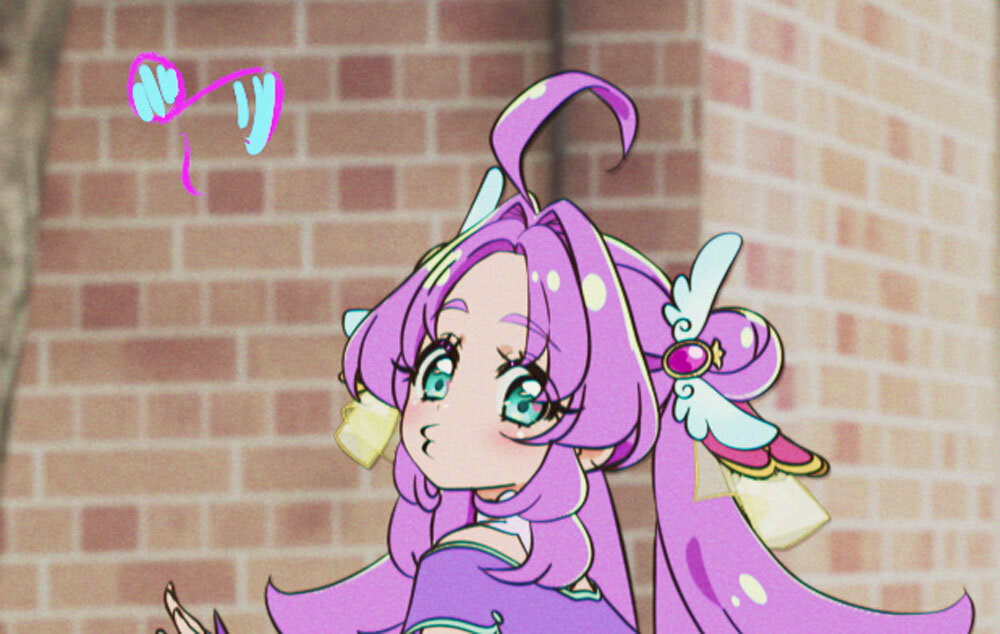
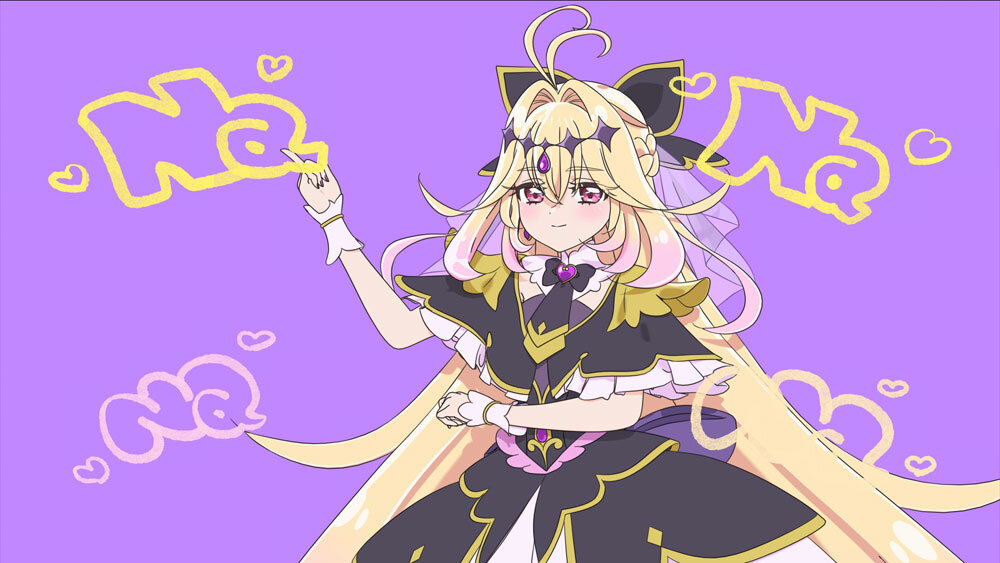
Hand-Drawn Effects by the Animators
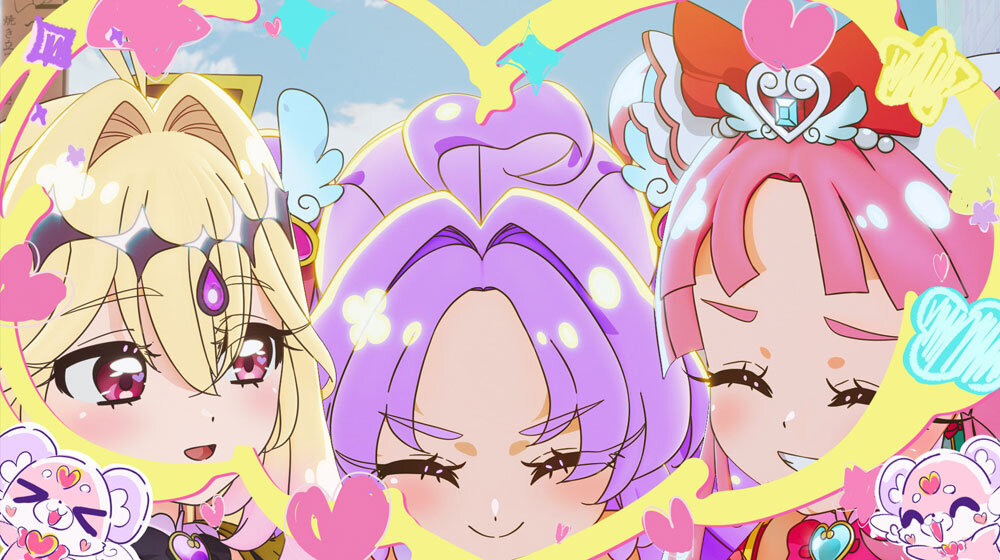
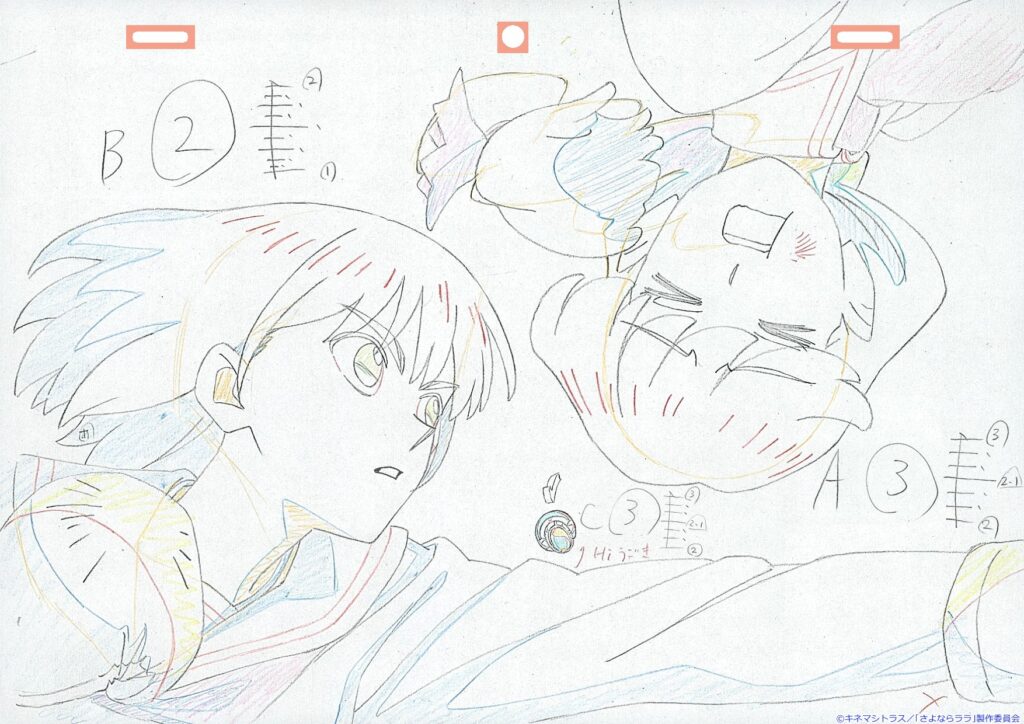
The hand-drawn effects popping up all over the place were prepped by the animators in charge of each cut. It is pretty neat that the production method is slightly different depending on who made it. Eventually, they exported them as image sequences and handed them off to the compositing team for final tweaks.


Thank you for translating this!! I was curious how they managed to get the ED looking even better than usual this year ^^
The Ending Staff definitely had a lot of fun with this ED, taking advantage of the setting and time period! Also passed on your thanks to nui too!